MediaBlaster

Build your next
media platform.

App templates, WordPress plugins, and software. Everything you need to turn your content into an experience.

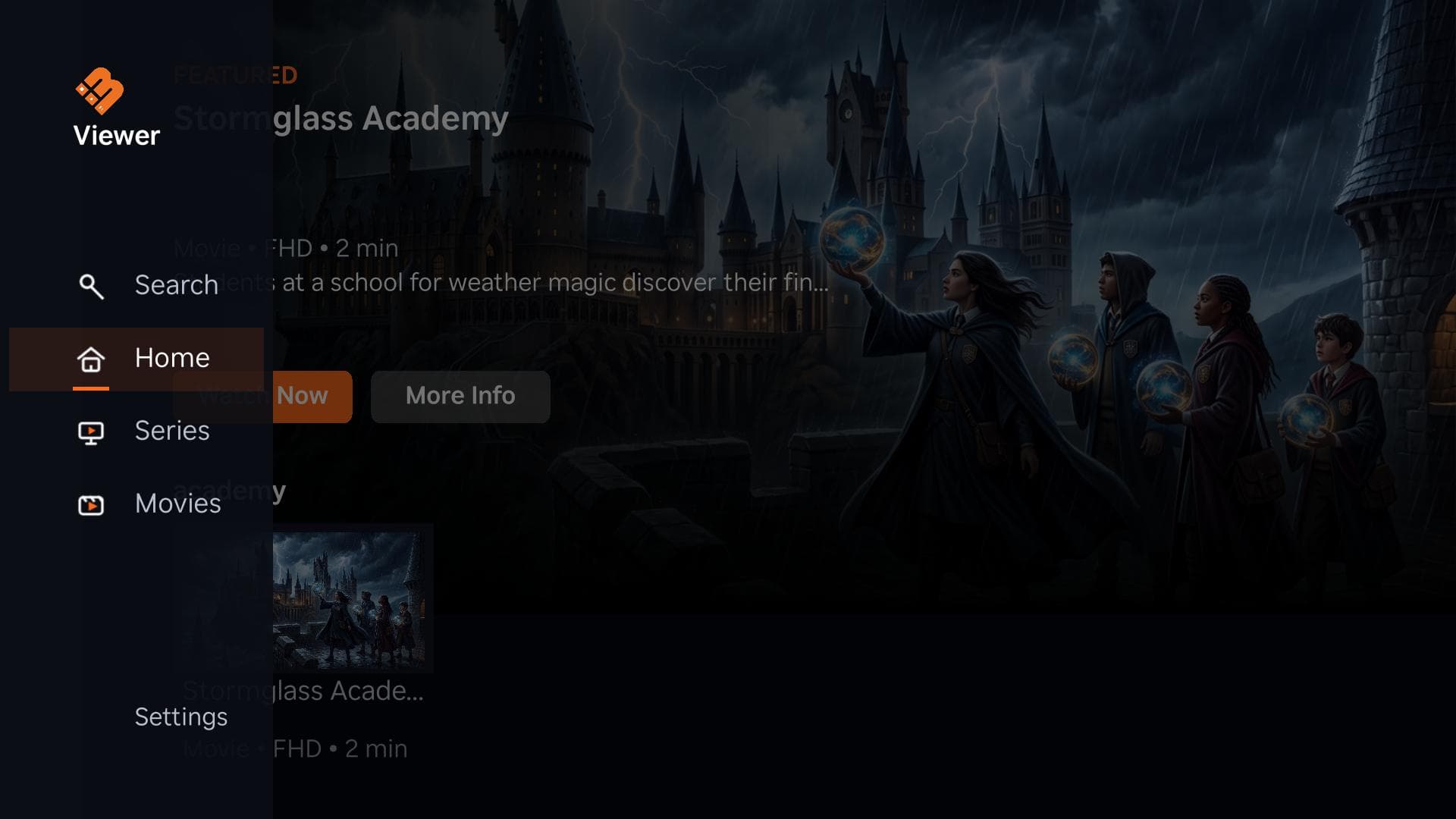
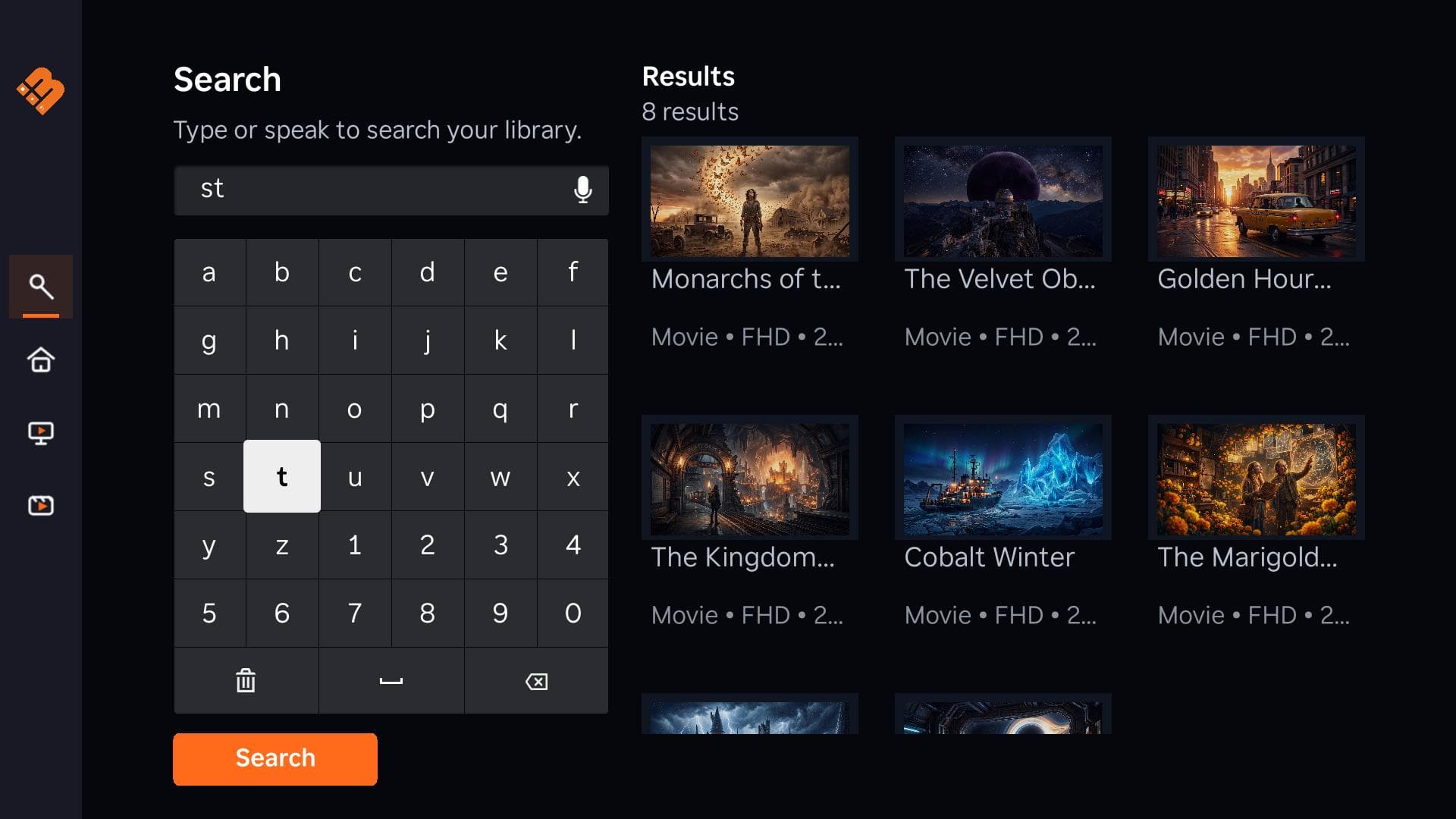
A real MediaBlaster Roku interface with a featured video and a content library
A MediaBlaster Roku app in action. See the store for current product availability.

MediaBlaster Pro

Everything we make.
All yours to build with.

One yearly subscription to our complete collection, with updates and Premium Support while you subscribe.

  • All products
  • Product updates
  • Premium Support

Personal · Single site

$299.00USD/year

Yearly subscription

Choose your Pro plan

Building for clients? Agency covers unlimited sites.

The collection

A good place to start.
A lot of room to grow.

All products
MediaBlaster Spreaker Publisher

Plugins

MediaBlaster Spreaker Publisher

Explore the product details, requirements, and available licenses.

$49.00USD

One-time purchase

View product

From purchase to project

Made to get you moving.

Choose your tools. We’ll keep the next steps simple.

  1. Choose your tools

    Get everything with Pro, or choose one product. Pick the license that fits your project.

  2. Check out. Check your email.

    Pay securely with Stripe. Your receipt and secure access link arrive by email. No password needed.

  3. Open My Products

    Find your downloads, license keys, and setup instructions together. Then make something yours.

Documentation and a clear next step, all the way through.

A few things to know

Good questions.
Clear answers.

Pro or an individual product?

Choose Pro for access to all MediaBlaster products, updates, and Premium Support while subscribed. Choose an individual product when you only need that item; its page explains its price, license, and payment terms.

How is Pro billed?

Pro is a yearly subscription. You pay the full annual amount at checkout, and it renews annually until canceled. Personal covers a single site; Agency covers unlimited sites.

Where do I get my purchase?

Use the secure link sent to your checkout email to open My Products. Once payment is confirmed, your available files, licenses, and setup instructions appear together.

What happens when Pro expires?

Access to products, updates, and Premium Support provided by Pro ends when the subscription expires. Products you purchased separately keep their own license and access terms.