MediaBlaster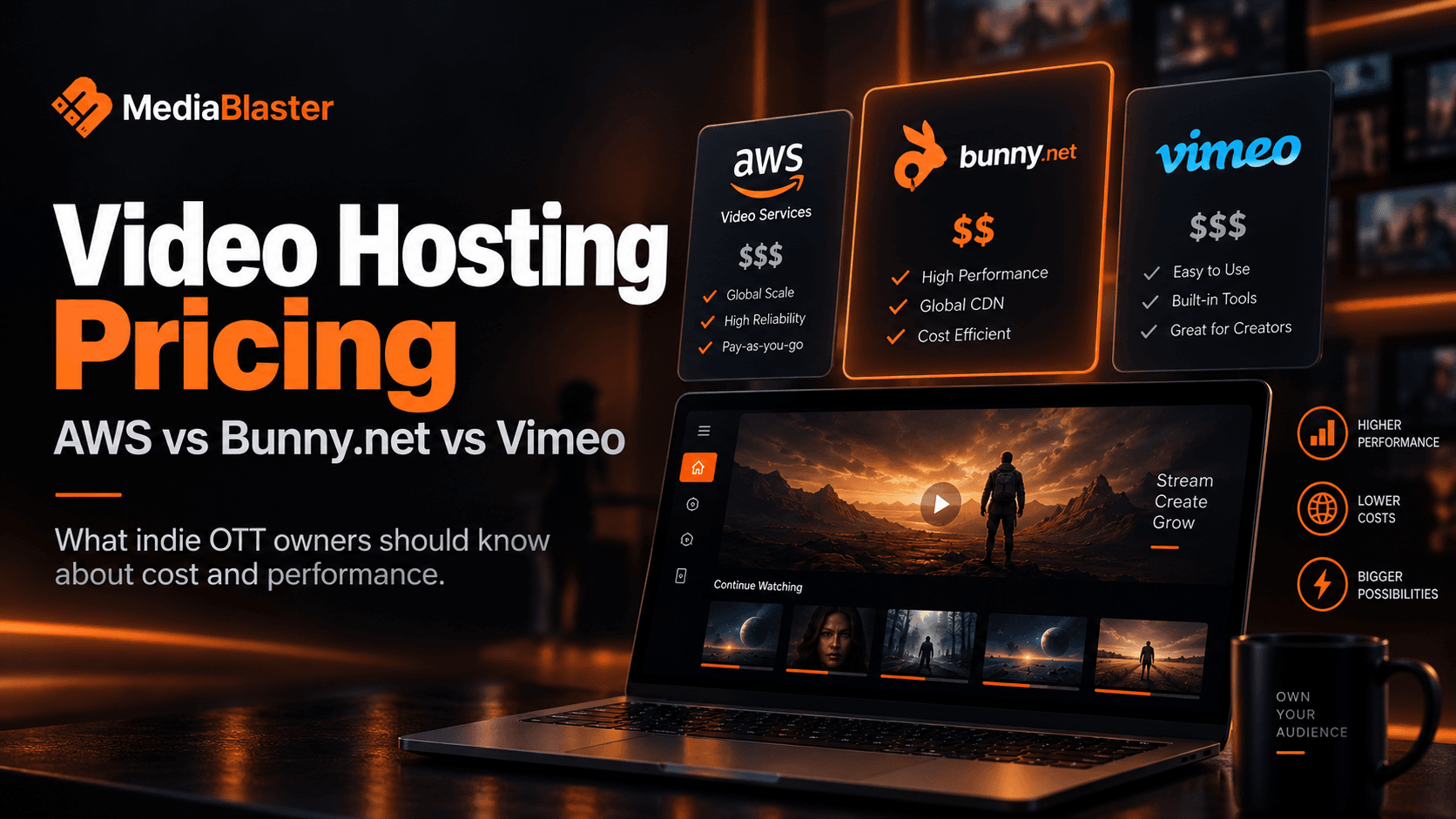
Video Hosting Pricing: AWS vs. Bunny.net vs. Vimeo
Bunny Stream is our best overall starting point for most indie OTT owners who want affordable hosting without managing an AWS video pipeline.
Read the storyWe use Google Analytics to understand site usage and measure store performance when you accept analytics cookies. Essential cookies — including the signed affiliate referral cookie used for commission attribution — are not controlled by this choice. See our Privacy Policy for details.
The MediaBlaster blog
Practical guides for creating content, building streaming apps, and growing an audience you control.
Bunny Stream is our best overall starting point for most indie OTT owners who want affordable hosting without managing an AWS video pipeline.
Read the storyA Roku app can be built three very different ways: with a hosted app builder, from a source-code template, or through a custom development engagement. The right choice depends…
The honest answer is that a custom Roku TV app does not have one fixed price. The number depends on what you are building, what you already have, which accounts and services you…
WordPress can do more than power the marketing site beside your Roku channel. With the right content model and an app-ready feed, it can be the system your team uses to organize…
The fastest way to turn a Roku project into an expensive one is to make version 1 carry every future idea. A first release should feel complete to a viewer, but it does not need…
A Roku app that works on one developer’s device is not automatically ready for the public Streaming Store. Public apps must pass Roku certification and review. The practical work…
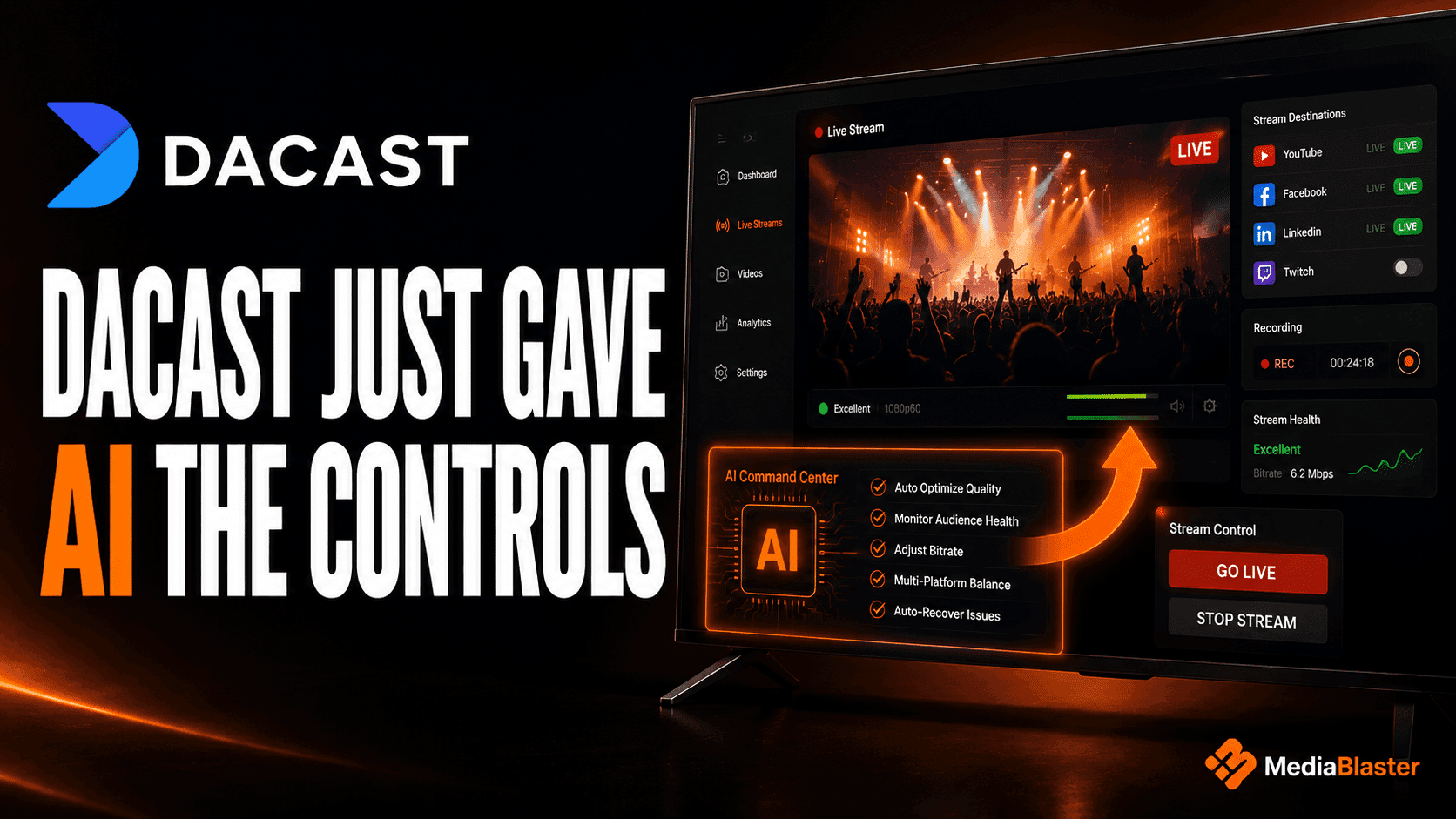
On August 14, 2026, Dacast introduced an MCP server that connects AI clients such as ChatGPT, Claude, and Cursor to its video platform. Instead of opening a dashboard and…
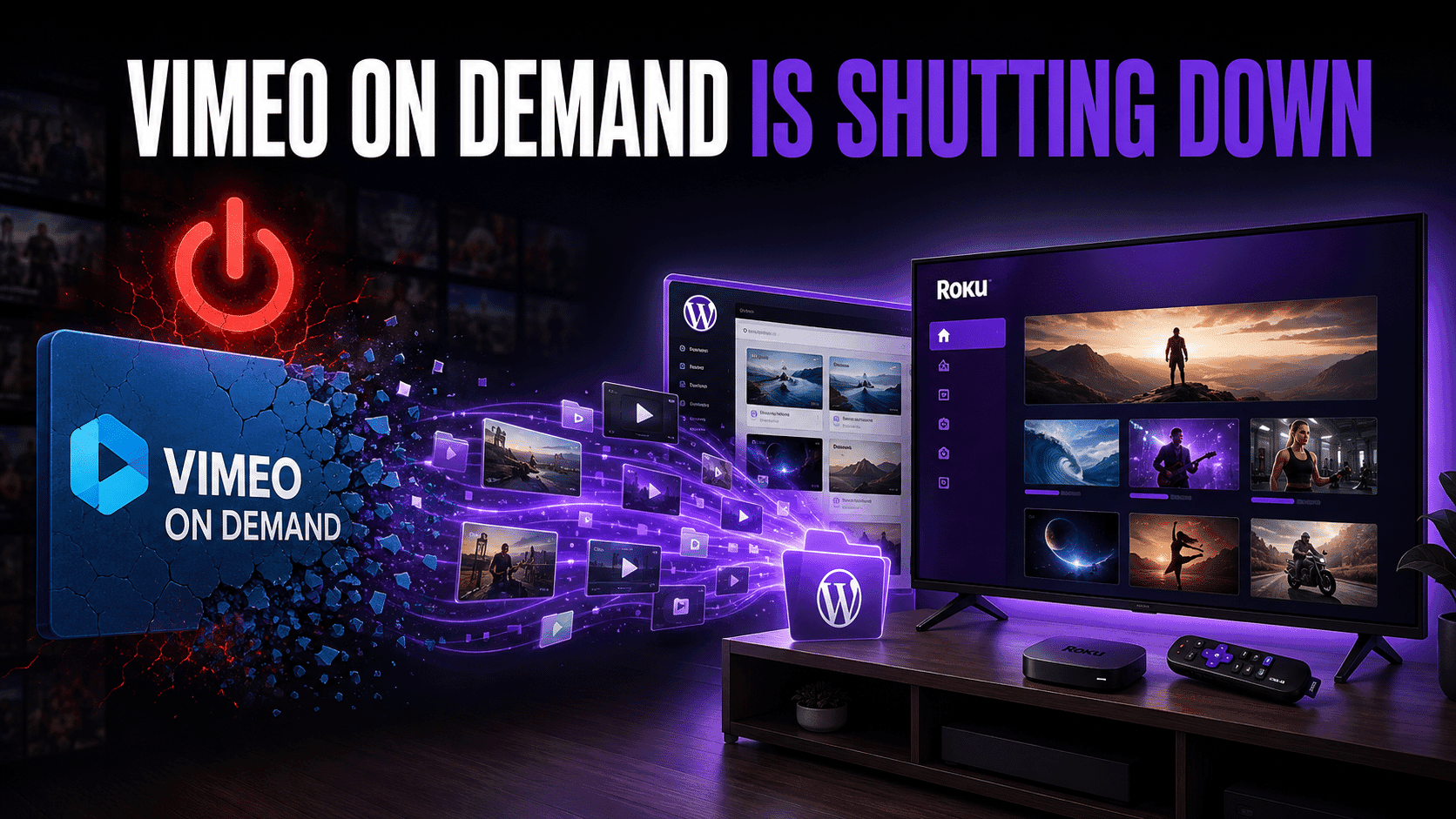
Last verified: August 17, 2026 Vimeo is shutting down Vimeo On Demand on November 20, 2026. This is not the shutdown of Vimeo itself or the automatic deletion of every seller’s…
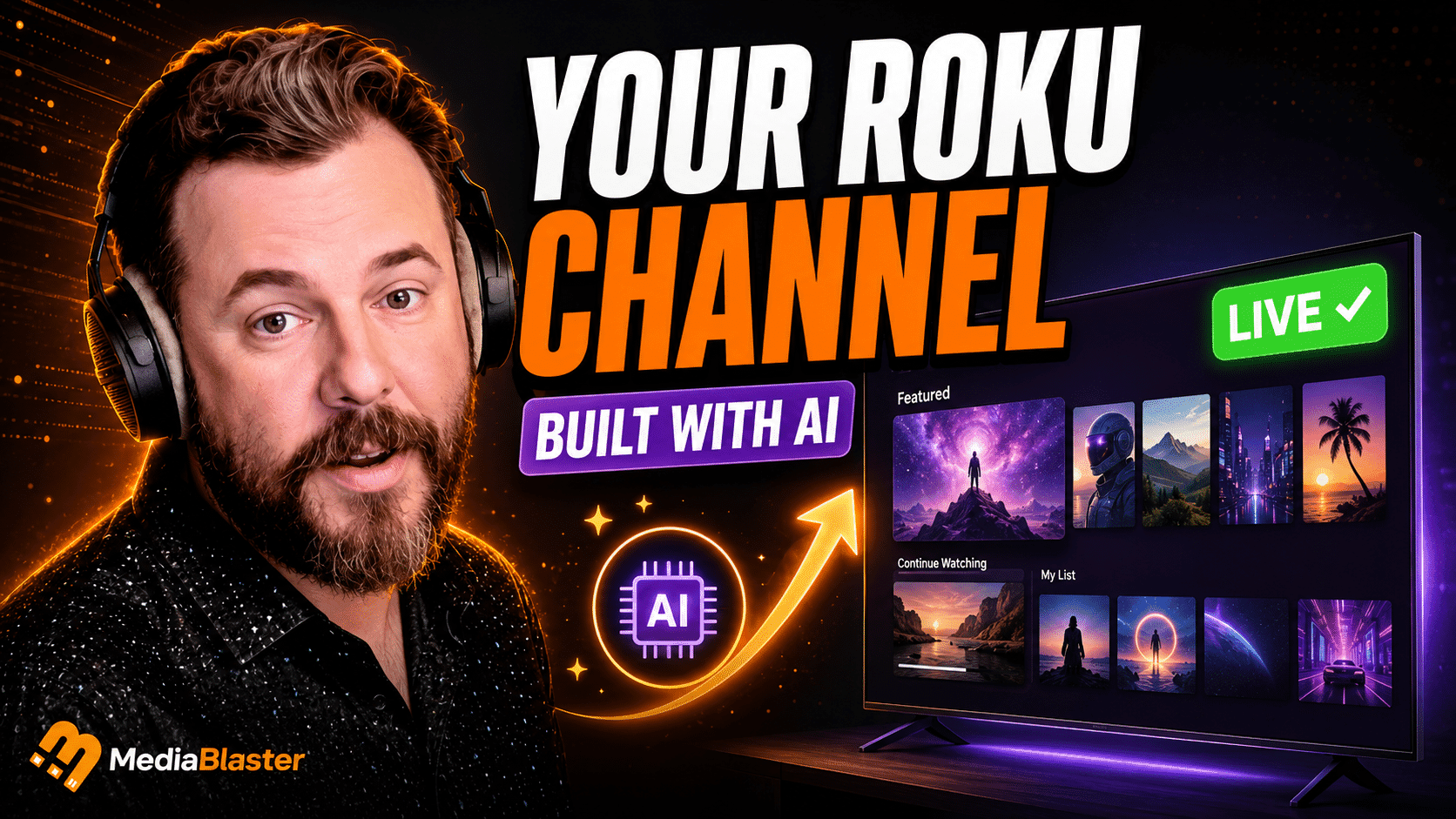
Long gone are the days when you needed to spend thousands of dollars on building a simple Roku app. In this video I use ChatGPT, a custom skill and about 20 minutes to build a…
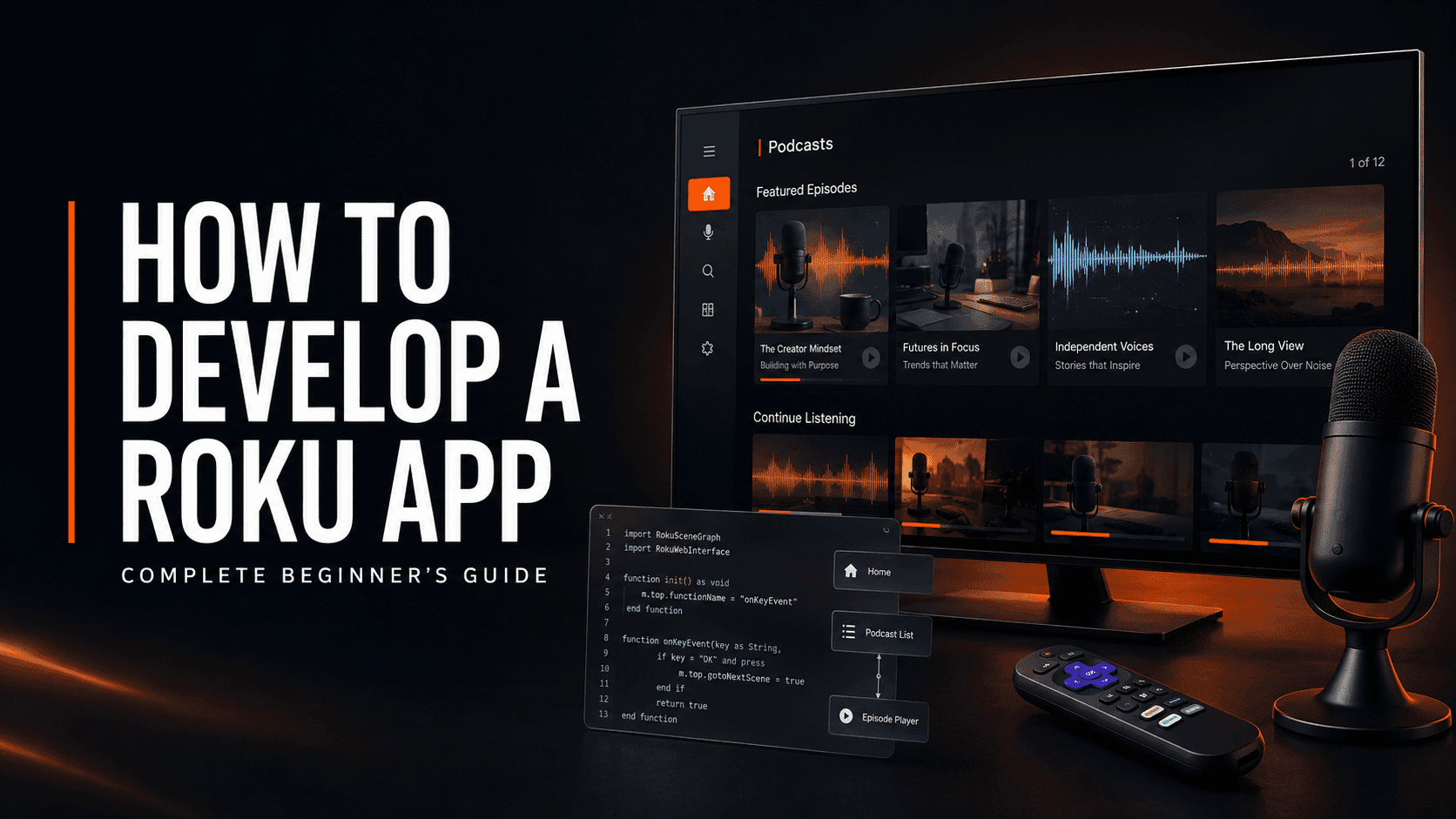
If you are a podcaster looking for a new place to grow your audience, Roku is worth considering. Spotify, Apple Podcasts and YouTube are powerful platforms, but they are also…
When we first connected MediaBlaster’s Live TV system to our Roku app, the result looked like a backend-data problem. One channel appeared to contain several programs on top of…
Deep linking sounds simple. Roku sends your app a contentId and mediaType. Your app finds that content and starts playing it. That description is technically correct, but it…
Put it into practice
Explore the tools behind the guides, or find your next step in the documentation.