MediaBlaster
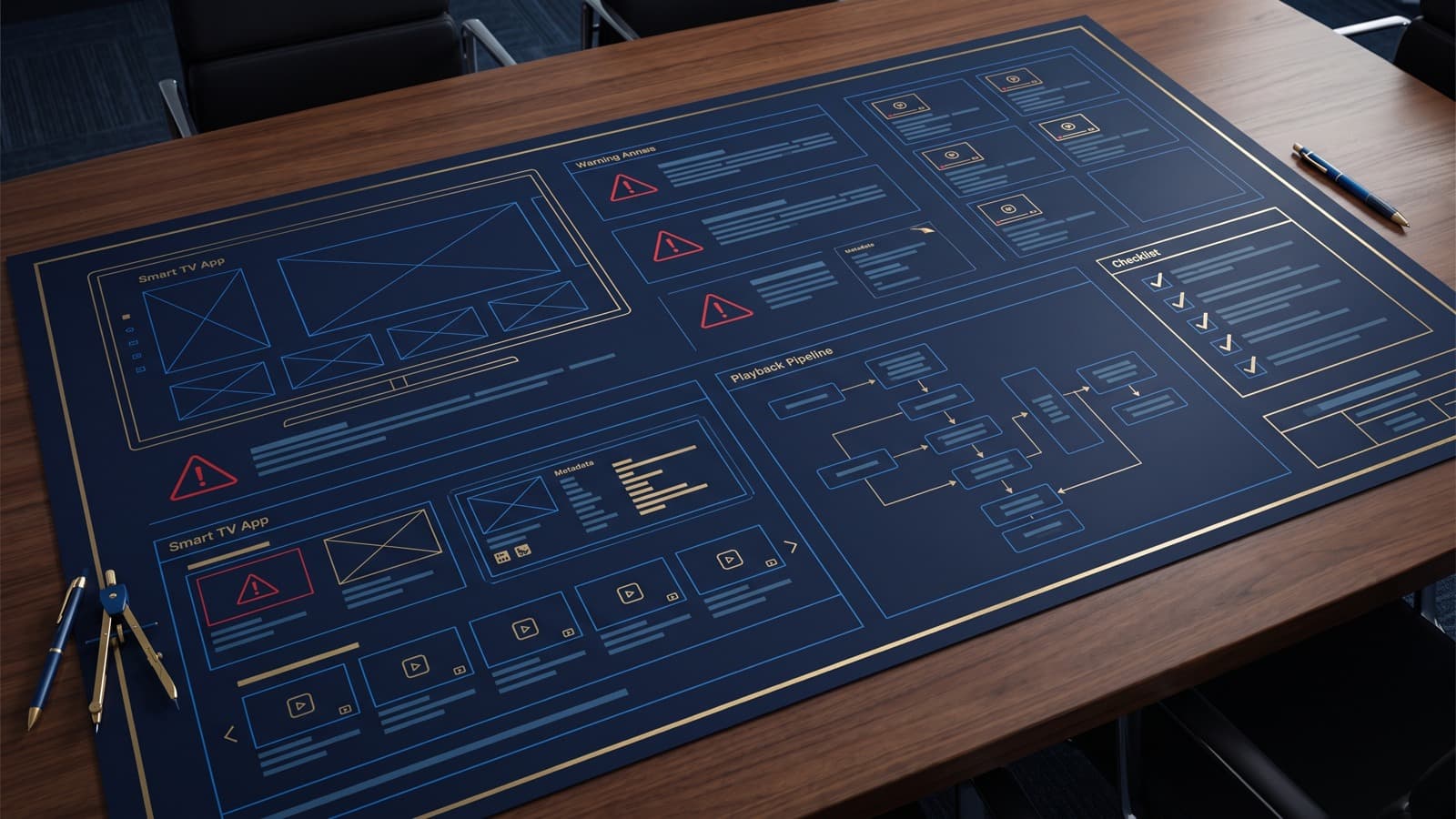
Most OTT planning mistakes happen before development starts. Teams underestimate content operations, metadata, artwork, review requirements, hosting costs, and the difference between a video website and a living-room app.
For creators, agencies, churches, educators, local media teams, and niche publishers, the hard part is rarely just “getting an app.” The harder part is building a repeatable video operation that still makes sense six months after launch. A Roku app or Smart TV app has to connect strategy, content structure, artwork, playback, metadata, publishing, and support into one simple workflow.
This guide reframes the question in practical terms. Instead of treating OTT mistakes as an isolated feature, it looks at how the decision affects the whole video business: what viewers see, what the admin team has to maintain, what clients understand, and what can be improved without rebuilding the app every time.
Start with the viewer’s job
A living-room viewer behaves differently from a website visitor. On a website, people scan, click, compare, and leave quickly. On TV, they sit farther away, use a remote, and expect the interface to reduce choices rather than create more of them. That is why Smart TV planning should begin with the viewer’s job: find something worth watching, understand why it matters, and start playback without confusion.
If the app cannot answer that job quickly, more features will not fix the experience. Better rows, cleaner categories, stronger thumbnails, and clearer labels usually do more for retention than a long list of advanced options.
Make the content model explicit
Every strong VOD app has a content model, even if nobody calls it that. The model answers questions like: Is this library organized by shows, seasons, topics, speakers, locations, playlists, or release dates? Are videos evergreen or timely? Should the app emphasize latest uploads, curated collections, or a small number of flagship programs?
This is where terms like OTT mistakes, planning, video app, and Roku app development become operational instead of theoretical. A WordPress video backend, JSON feed, or custom CMS only works well when the content fields are clear. If the backend allows messy categories, missing artwork, inconsistent titles, and unpublished videos in public rows, the TV app will eventually expose that mess.
Design for non-developers after launch
The launch is only the beginning. A realistic Smart TV workflow assumes that non-developers will need to add videos, update descriptions, swap featured content, fix artwork, and keep the library fresh. If every small change requires a developer, the app becomes expensive to operate and slow to improve.
That is one reason many teams look for a WordPress-backed approach or a repeatable Roku Launch Kit style workflow. The goal is not to pretend Roku development, BrightScript, SceneGraph, feeds, and device testing are simple. The goal is to move the repetitive publishing work into a place where the content owner can manage it safely.
What this means for planning
A practical plan should separate three layers:
- Content operations: titles, descriptions, categories, artwork, publish status, video URLs, and editorial workflow.
- App experience: home screen rows, detail pages, search, playback, remote navigation, and error states.
- Business model: free access, ads, subscriptions, rentals, sponsorship, lead generation, or client value.
When these layers get mixed together, projects drift. A client asks for “a Roku app,” but the real missing piece may be a clean video library. A creator asks for subscriptions, but the real issue may be that the catalog is too thin for monthly billing. A local media company asks for an app, but the first win may be packaging existing shows into a watchable living-room archive.
A simple decision checklist
Before building or revising a Smart TV app, ask:
1. Can a viewer understand the app in the first thirty seconds? 2. Is the content library organized in a way that will still make sense after another hundred uploads? 3. Are thumbnails, titles, and descriptions consistent enough for TV browsing? 4. Can a non-developer publish or update content without breaking the feed? 5. Does the monetization model match the audience’s actual habit? 6. Is there a clear reason this belongs on Roku or Smart TV instead of only on a website?
If the answer to several of those is “not yet,” the next step may not be more code. It may be tightening the publishing workflow, cleaning metadata, or simplifying the first version of the app.
Where MediaBlaster fits
MediaBlaster is built around the belief that creators and small teams should be able to own more of their video platform without getting trapped in a massive monthly OTT stack. The practical path is usually to keep WordPress useful as the editorial backend, expose structured video data through an app-ready feed, and let the Roku or Smart TV experience focus on playback and navigation.
That approach is not right for every media business. If you need deep personalization, multi-device watch history, complex entitlement rules, or enterprise subscription logic from day one, you may need a heavier platform. But for many niche channels, local publishers, educators, churches, and agencies, a simpler owned workflow is the difference between “we should launch an app someday” and “we can actually maintain this.”
Bottom line
The best Smart TV apps are not just apps. They are publishing systems with a living-room interface attached. When the strategy, content model, backend workflow, and viewer experience line up, the channel feels professional even if the team behind it is small.
If you are planning a Roku channel or VOD app, start with the workflow you can maintain every week. The technology should support that workflow, not bury it.