MediaBlaster
Let’s be completely candid for a second: running an independent video-on-demand (VOD) platform is usually a financial nightmare.
If you look at mainstream all-in-one SaaS platforms, they lock you into massive monthly subscriptions, take a cut of your revenue, and restrict how you distribute your own hard-earned content. You’re essentially renting digital land.
We built MediaBlaster to change that. We believe you should have total ownership over your library, your brand, and your audience. But we also know that jumping into self-hosted video streaming can feel like trying to decode alien telemetry if you don’t have a guide.
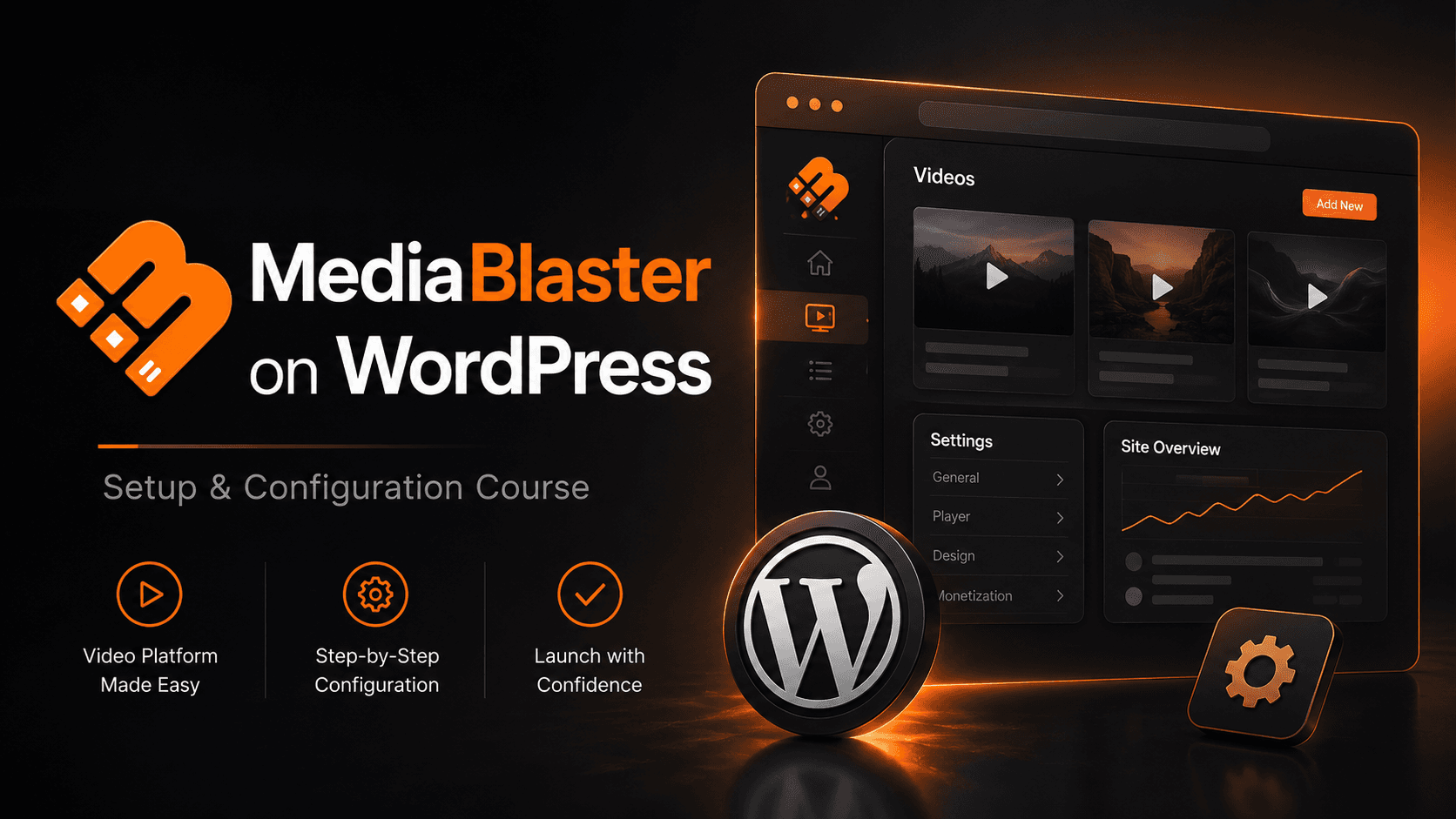
That is why we just launched the official MediaBlaster Video Blueprint Course—and it is streaming in our community dashboard right now for exactly $0.
Why This Course Exists (And Why It’s Free)
We don’t want technical friction or hidden software paywalls to stand between you and your launch. This training series isn’t a disguised high-pressure sales pitch. It is a highly practical, step-by-step video guide designed to get you from a blank WordPress dashboard to a cinematic, multi-device video application without writing a single line of code.
No credit cards, no mandatory upgrades, and absolutely no purchase necessary.
The Streaming Blueprint: What We’re Covering
We designed this curriculum to value your time. The video modules are crisp, highly scannable, and focused entirely on practical, real-world execution.
Here is a breakdown of the streaming architecture you’ll build throughout the course:
🧩 Core Architecture & Workflow Clean-Up
First, we tackle the essentials. You’ll learn how to properly install the system and navigate the central settings. We’ll show you how to instantly strip out unnecessary legacy clutter so your backend layout is clean, fast, and highly efficient.
🎥 The Trilogy of Content Delivery
A premium platform needs to handle diverse content strategies. We split the organization phase into three distinct video rails:
- Cinematic Standalone Content (Movies): Streamlining one-off videos, complete with 4K/UHD target settings, semantic genre taxonomy, and parental rating controls.
- Binge-Worthy Series Layouts: Crafting deep television structures. You’ll master how to group individual clips into sequential Seasons and Episodes, then anchor them to a beautiful master show profile.
- Portrait Feeds (Short Videos): Activating mobile-first 9:16 vertical video algorithms so you can deliver TikTok-style engagement directly on your own domain.
☁️ Mastering the Vimeo Cloud Bridge
Manual asset data entry is a relic of the past. We dedicate a major portion of the training to linking your database directly with a private Vimeo API app. You will learn how to trigger bulk mass imports that pull dozens of videos into your dashboard in seconds, automatically mapping over the exact titles, run times, and image thumbnails. Plus, you’ll see how to upload raw files to Vimeo straight from your site editor.
🎨 Visual Engineering (Elementor & Gutenberg)
Your viewers expect a beautiful frontend UI. We wrap up the training by handing over our visual developer kit. You’ll see how to drop responsive Gutenberg Blocks into place, deploy dynamic Shortcodes, and engineer custom video landing pages using the Elementor Pro Theme Builder.
📺 Smart TV Expansion Building a great web application is only half the battle. At the end of the course, we’ll introduce you to our new native Roku Launch Kit, giving you a direct pipeline to stream your WordPress video library straight onto physical television screens worldwide.
Claim Your Free Seat Today
The blueprint is ready, the classroom doors are wide open, and the entire video series is waiting for you. All you need to bring is a self-hosted WordPress site and your administrator login details.
Stop overpaying for restrictive video hosting setups and start building your own independent digital network today.
👉 [Click Here to Unlock Free Access to the MediaBlaster Training Engine!]