MediaBlaster
The honest answer is that a custom Roku TV app does not have one fixed price. The number depends on what you are building, what you already have, which accounts and services you choose, and who will operate the app after launch. A simple video channel with a prepared catalog is a different project from a subscription service, a live network, or a unique product experience.
A useful budget separates the costs you pay once from the costs you carry every month. It also separates the app itself from the content, delivery, and operations that make the app worth opening.
Start with the app approach
Hosted platform
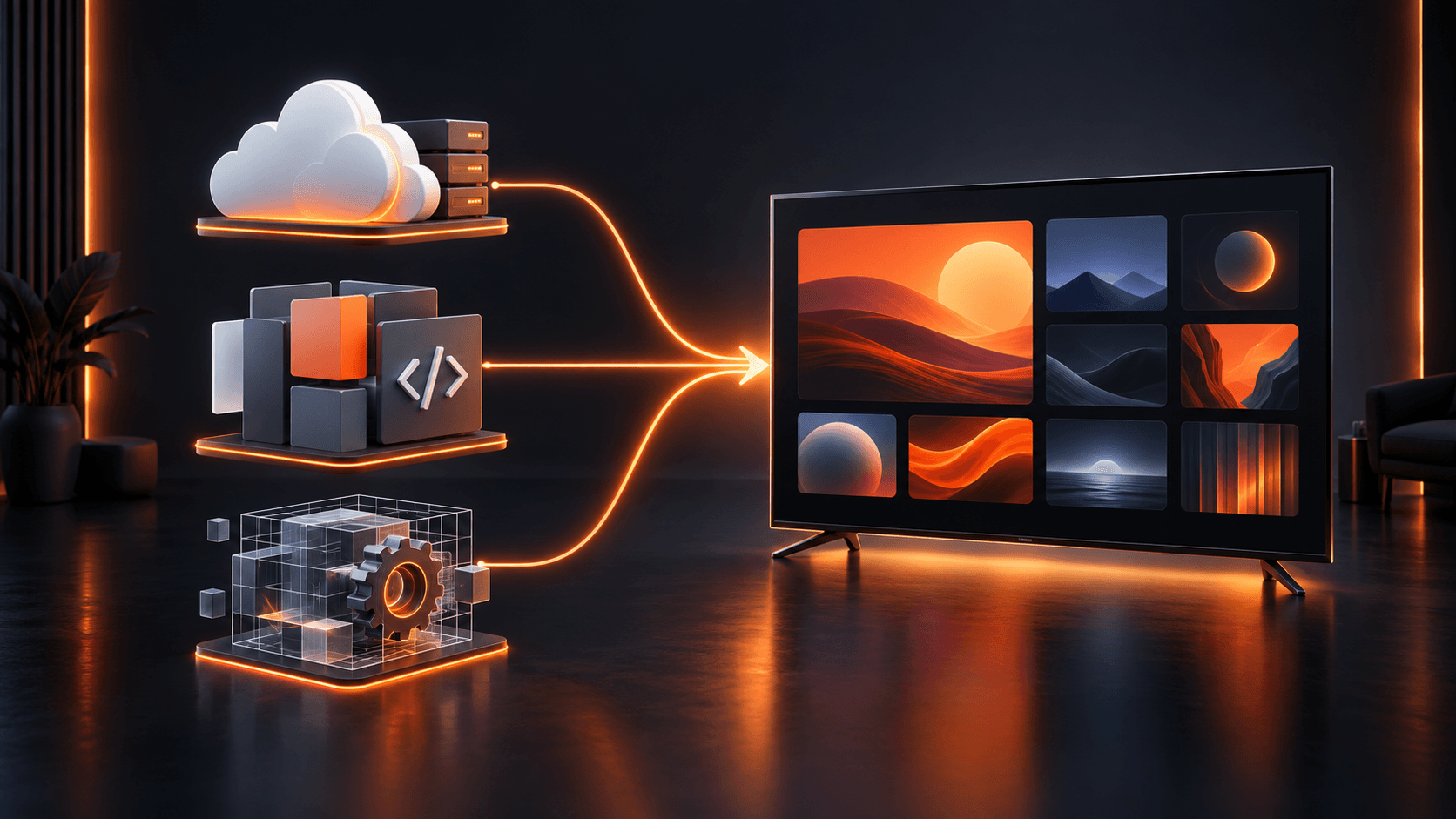
A hosted OTT or Roku builder usually has the lowest initial technical burden. The vendor supplies a backend, app workflow, and some level of infrastructure. Your cost is typically recurring and may change with features, storage, usage, or the provider’s plan structure. This route can be attractive when managed convenience matters more than source-code ownership.
Source-code template
A source-code template replaces much of the blank-project work with a working app foundation. You still budget for setup, branding, WordPress and media hosting, testing, and any changes outside the template’s current scope. MediaBlaster’s Roku Launch Kit uses this model: it provides a WordPress-connected Roku VOD app foundation, source files, training, and launch guidance. It is a one-time product, not hosted app infrastructure.
Fully custom development
A fully custom Roku application has the broadest range because the scope is bespoke. The estimate reflects discovery, user experience design, BrightScript and SceneGraph engineering, backend integration, testing, project management, submission support, and warranty or maintenance terms. A good proposal describes exactly what is included and what becomes a separate change request.
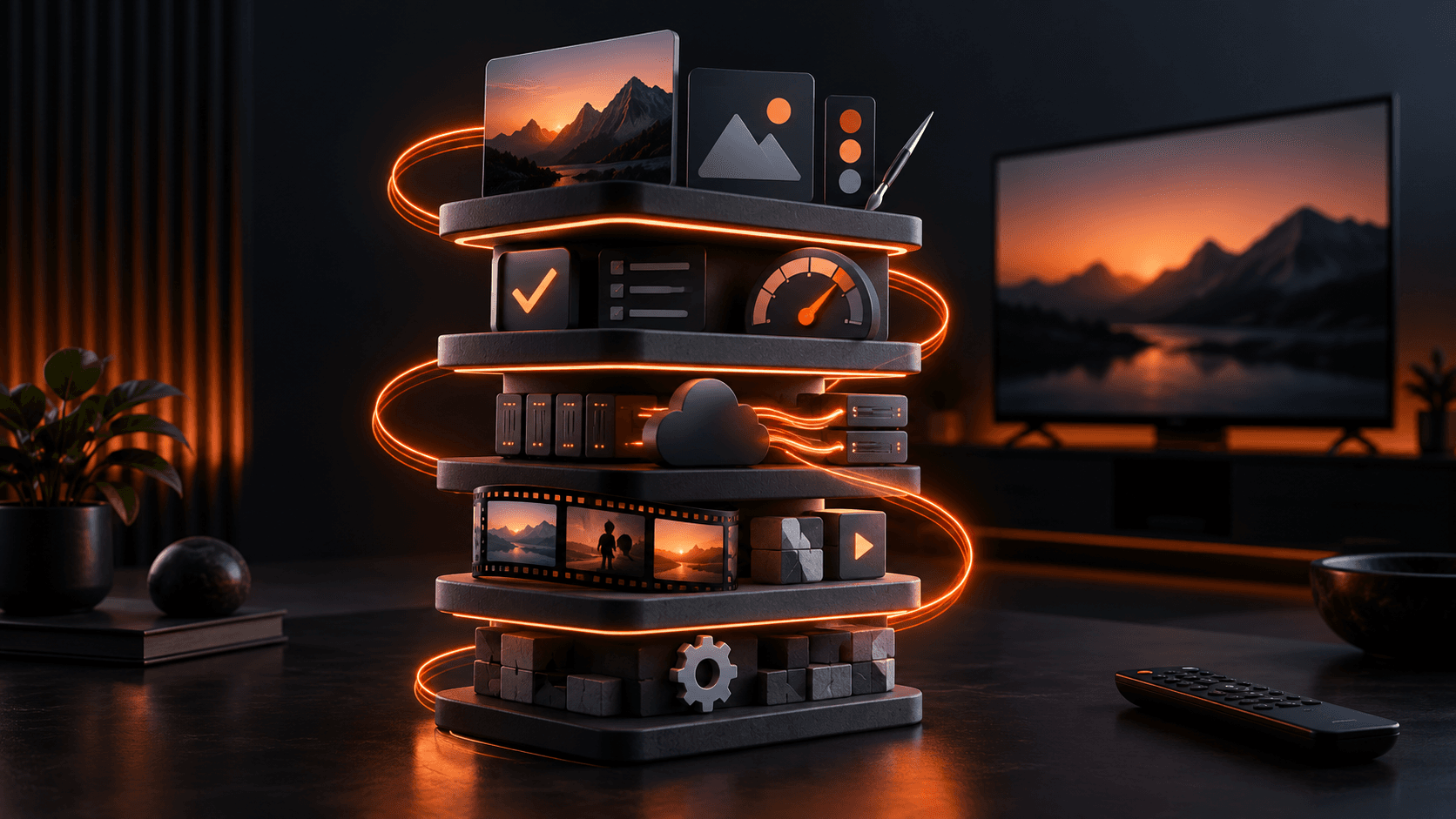
The real cost categories
1. Discovery, scope, and app design
Someone needs to define the audience, content types, navigation, playback rules, monetization, visual direction, integrations, and publishing responsibilities. Skipping this work does not remove the cost. It usually moves the uncertainty into development, where every decision is more expensive to change.
For a practical first release, decide what the home screen shows, how viewers browse, what opens the player, what happens when content fails, and which devices and accounts the team owns. A useful first version can be deliberately small.
2. App development and customization
This includes the screens people see and the logic they do not: remote focus, navigation, search, content loading, playback, loading states, error handling, deep links, analytics hooks, and packaging. A template reduces this category when its existing behavior fits the project. Custom work grows quickly when the project requires unusual account systems, commerce, live scheduling, proprietary APIs, or a new interaction model.
3. Content management and backend work
A Roku app still needs a dependable source of titles, descriptions, images, categories, seasons, episodes, playback URLs, and publish status. If you use WordPress, budget for the website, plugin setup, content import or cleanup, and the staff time to manage the library. MediaBlaster can turn WordPress into the content home for movies, series, episodes, artwork, metadata, and app configuration instead of requiring a separate catalog dashboard.
4. Hosting, video delivery, and storage
WordPress hosting, databases, media storage, a CDN, video hosting or transcoding, and bandwidth are operating costs. The right providers depend on your video files, geographic audience, expected viewing, privacy needs, and whether playback is on demand or live. These costs deserve their own line items because they are not included merely because an app has been built.
5. Artwork, metadata, and content preparation
A Roku app can be technically sound and still feel unfinished when posters, backgrounds, titles, episode data, descriptions, and content grouping are weak. Budget for channel artwork and the recurring work of preparing each program. Metadata matters to browsing, search, deep linking, parental or content labeling choices, and support.
6. Testing, certification, and publishing
Roku does not charge to enroll in the developer program, develop an app, or publish it to the Streaming Store. That does not make publishing free in practice. You still need physical Roku hardware, test time, packaging, artwork, developer-account setup, issue fixes, and a public-app certification process. Beta distribution is useful for feedback, but it is not proof that a public submission is ready.
7. Ongoing maintenance
Plan for WordPress and plugin updates, provider changes, content operations, monitoring, Roku requirement changes, bug fixes, customer questions, and future app releases. If a developer or agency will maintain the project, define their response time, included hours, and ownership of changes before launch.
How to estimate without fooling yourself
Build a simple budget with three columns: one-time launch work, monthly operating costs, and contingency. Put a named owner beside every line. If a vendor gives you a headline price, ask which of the categories above are outside it.
Then make three versions. A lean version gets the core catalog and playback live. A realistic version includes the content cleanup, artwork, testing time, and support you actually need. A stretch version adds the future features you may want after viewers are using the app. This prevents a first-release number from quietly absorbing an entire roadmap.
Use the Roku cost calculator to model the assumptions for your project. It is more useful than a generic price range because it lets you compare hosted, source-code, and custom paths against the costs you expect to carry.
Where MediaBlaster fits
MediaBlaster is built for teams that want WordPress to remain their media backend and want a working Roku app foundation without starting every screen and connection from zero. The Launch Kit does not include done-for-you development, hosting, subscriptions, live TV, EPG, or advanced advertising. If your project needs those or needs tailored implementation, start with a scoped discussion about Roku development service.
What is the cheapest way to make a Roku app?
The lowest upfront price is rarely the lowest total cost. A hosted builder can reduce initial technical work. A template can reduce development effort while keeping more ownership. A custom build costs more because it solves more bespoke problems. Compare the operating model as well as the launch price.
Do I need a video host for a Roku app?
Yes, unless your existing infrastructure already provides reliable, Roku-compatible video delivery. The app needs playback URLs and your viewers need a delivery path that performs under real viewing conditions.
Does Roku charge a fee to publish an app?
Roku states that there is no cost to join its developer program, develop apps, or publish them to the Streaming Store. Your project may still have certification, hardware, content, delivery, and engineering costs.