MediaBlaster
The fastest way to turn a Roku project into an expensive one is to make version 1 carry every future idea. A first release should feel complete to a viewer, but it does not need every conceivable feature. Its job is to prove that people can discover the library, understand what they are watching, play it reliably, and come back for more.
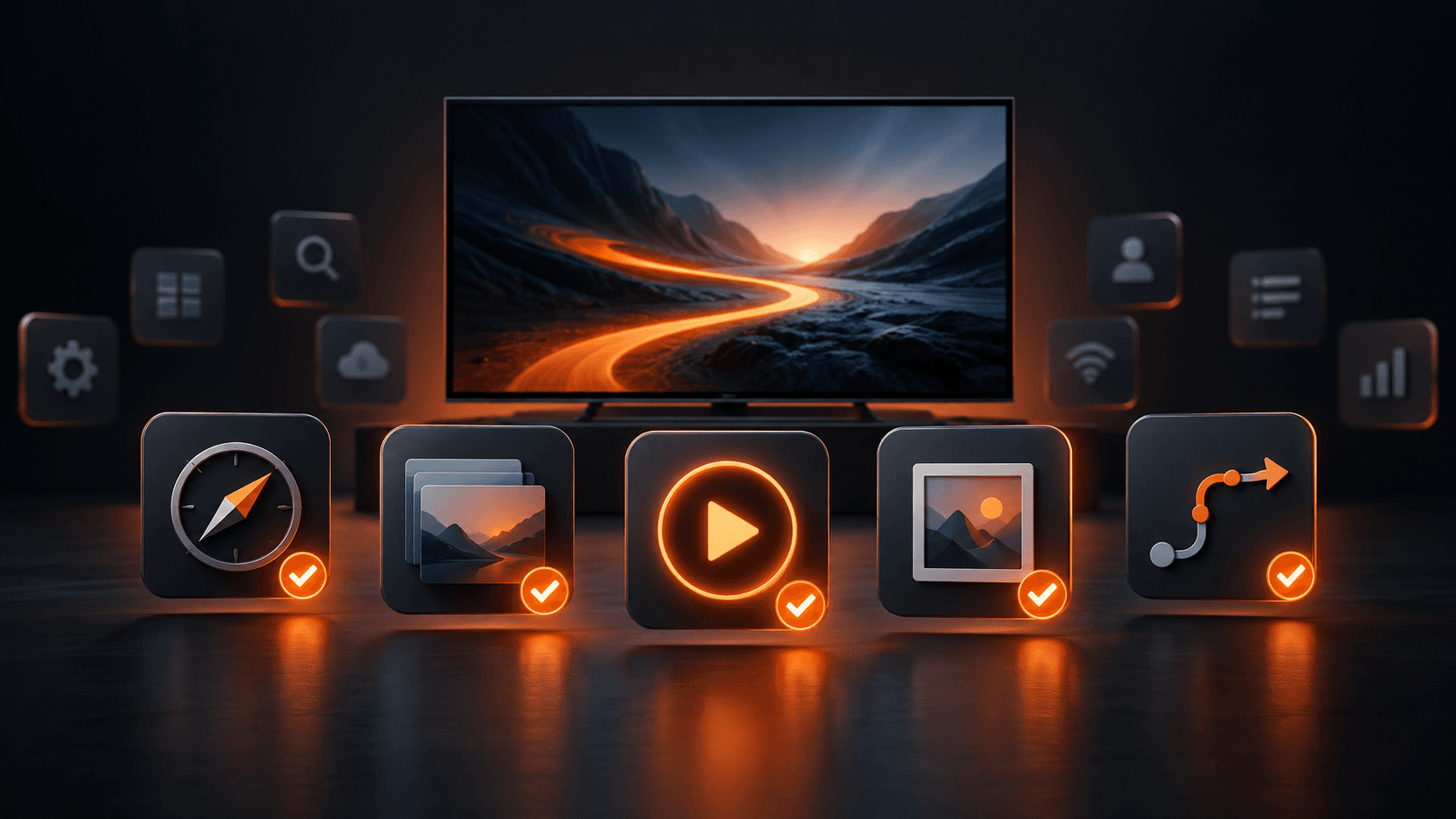
Use this checklist to decide what belongs in the launch scope, what should be designed for later, and what can wait until you have audience evidence.
The version 1 test
A feature belongs in version 1 if its absence would prevent the core viewer journey: open the app, find something relevant, understand it, play it, and recover when something goes wrong. It may also belong if Roku requires it for your app type or if it is essential to your business model at launch.
Everything else should earn its way onto the roadmap with a clear reason: a customer need, a revenue requirement, a measurable audience problem, or a technical dependency that is cheaper to handle now than later.
Must-have version 1 features
Clear home-screen navigation
Give viewers an obvious starting point. A typical VOD app needs a home screen, a small number of well-named browsing destinations, a consistent Back behavior, and a focus state that always shows where the Roku remote will act. A featured item and curated rows work well when the catalog has enough content to support them.
Avoid hiding the library behind decorative screens. A viewer should be able to get from launch to a playable title in a few directional clicks.
Content organization
Choose the content model before designing screens. Movies, series, seasons, episodes, specials, categories, tags, and playlists are different relationships. A series should not behave like a folder of unrelated videos. The Series and Episodes guide explains why consistent season and episode numbering matters to Roku browsing.
For a small catalog, categories and featured rows may do more for discovery than a sophisticated search system. For a growing catalog, plan both clean browsing and search so viewers are not forced to scroll through everything.
Reliable playback
Playback is the feature that makes every other feature matter. Test start time, buffering, resume behavior where supported, exit behavior, audio, video quality, and what happens when the stream is unavailable. Decide what the viewer sees if a title has been removed, the network is slow, or the playback provider returns an error.
Use a delivery setup that suits Roku and the audience you expect. This means thinking about video hosting, encoding, CDN behavior, access controls, and the actual devices people use. A beautiful interface cannot compensate for unreliable streams.
Artwork and metadata
Every title needs enough information to help a person decide: title, concise description, image, and appropriate series or episode context. Use poster and background artwork deliberately. Check it on a television at normal viewing distance, not only in a design file.
This work also supports search, content organization, deep linking, editorial rows, and future platform expansion. In a media app, metadata is product data.
Remote-first interaction
Roku is remote-controlled. Every screen needs predictable directional navigation, visible focus, a sensible default focus target, and a Back-button path that does not trap or confuse the viewer. Test with the physical remote, including repeated button presses and recovery after a failed network request.
Deep linking, where applicable
Deep linking lets Roku open a specific title from a campaign, search result, or platform request. If your declared content types require it, treat it as a launch feature, not a post-launch enhancement. Test cold launches, links received while the app is already running, valid content, invalid identifiers, and unavailable content.
A basic analytics plan
Decide before launch which questions you need to answer: Which titles get starts? Where do viewers abandon playback? Which categories get opened? Did a promotion cause installs or viewing? Choose analytics that fit your privacy commitments and make sure events have an owner who reviews them. Collecting data nobody uses is not a feature.
Features to include only when the business requires them
Monetization
Free, ad-supported, subscription, transactional, and sponsor-supported apps each create different technical and operational work. Include monetization in version 1 only if it is part of how the first release must work. Otherwise, a free channel with a strong catalog can be a smarter launch because it validates the content experience first.
If the app uses advertising, Roku’s current certification criteria require the appropriate advertising framework. If you plan subscriptions or purchases, confirm the Roku, account, entitlement, payment, customer-support, and content-access requirements before promising a launch date.
Accounts, profiles, favorites, and watchlists
These can improve retention, but they introduce identity, privacy, support, cross-device behavior, and data-sync questions. Add them when they support a clear audience need. Do not add accounts only because large streaming services have them.
Live TV, EPG, and advanced scheduling
A live experience can be valuable for a broadcaster or event-led audience. It also adds operational complexity: stream reliability, schedules, time zones, fallback behavior, metadata freshness, and support when a live event fails. Keep it out of a VOD-first version 1 unless live programming is the product.
Features to plan, not promise
Personalized recommendations, downloads, multi-language experiences, advanced parental controls, offline viewing, social features, complex commerce, and additional device platforms can be worthwhile. They should not silently expand the first release. Record the data, backend, policy, and design decisions that would make them easier later, then wait until there is evidence to build them.
A practical MediaBlaster version 1
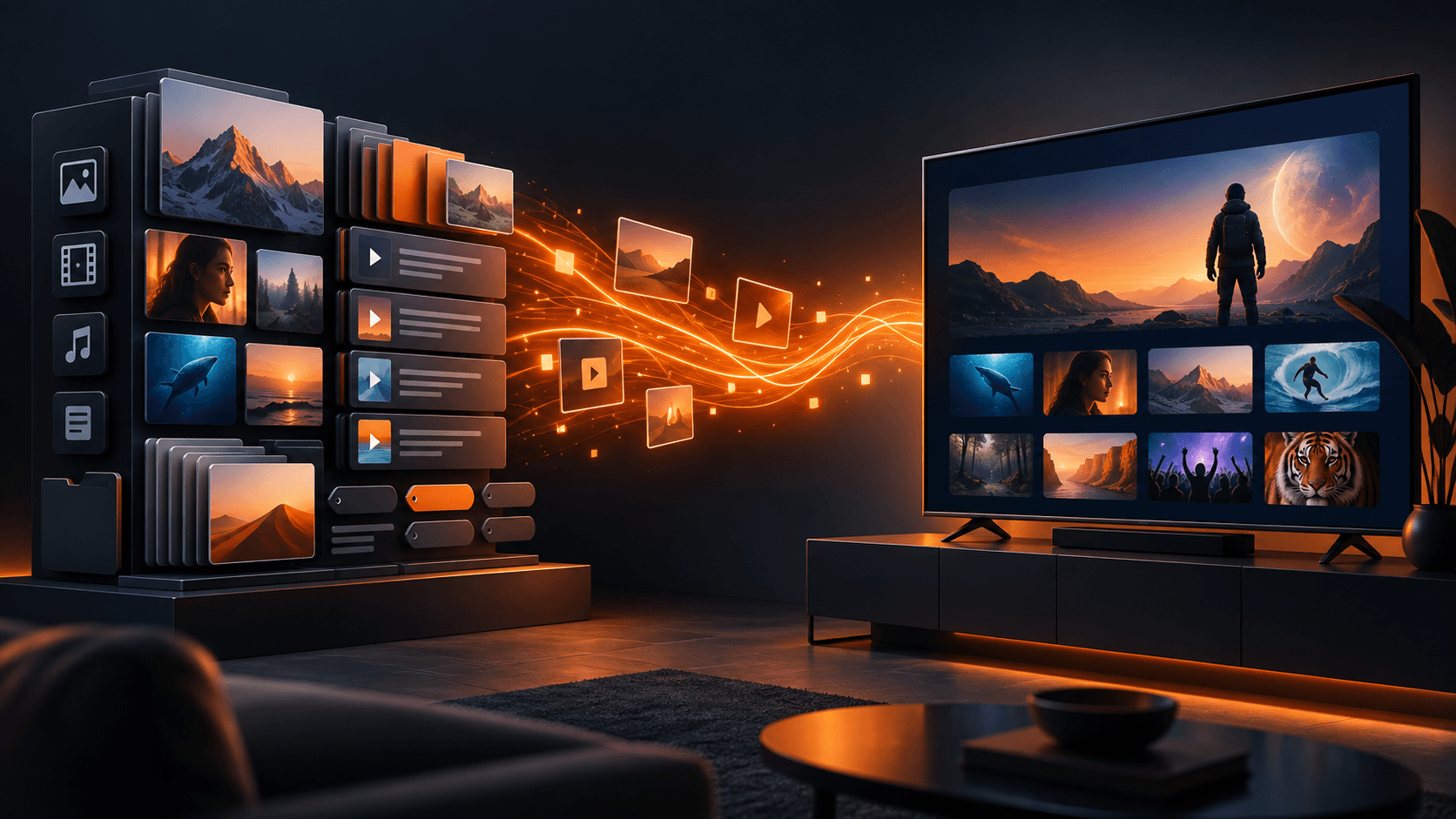
For a WordPress-powered VOD launch, a practical first scope is: MediaBlaster for the content backend; a clean library of movies, series, or episodes; artwork and metadata; a branded Roku interface; featured content and browsing rows; search when the catalog needs it; dependable playback; hardware testing; and a publication checklist.
The current Roku Launch Kit includes a VOD app foundation with featured content, browsing rows, search, sidebar navigation, and WordPress-powered content management. It is not positioned as a complete subscription, live TV, EPG, or advanced advertising solution. That boundary is useful because it keeps the first release honest.
Before you approve the scope
Write a one-sentence viewer promise. Then list the exact screens, content types, integrations, and business rules needed to deliver it. Put every other idea in a later column. If a feature has no viewer outcome, no launch requirement, and no measurable business case, it does not belong in version 1.
Does every Roku app need search?
No. Search becomes more valuable as the library grows. A small, well-organized catalog may be easier to browse through featured rows and categories. Do not use search as a substitute for good organization.
Is deep linking required for a Roku app?
Roku’s requirements depend on the app and declared media types. Review the current deep-linking and certification documentation during planning, then test the required paths before submission.
Should subscriptions be part of a first Roku app?
Only when subscriptions are essential to the first business model and you have planned the complete entitlement and support workflow. They are not a small add-on to a video app.