MediaBlaster
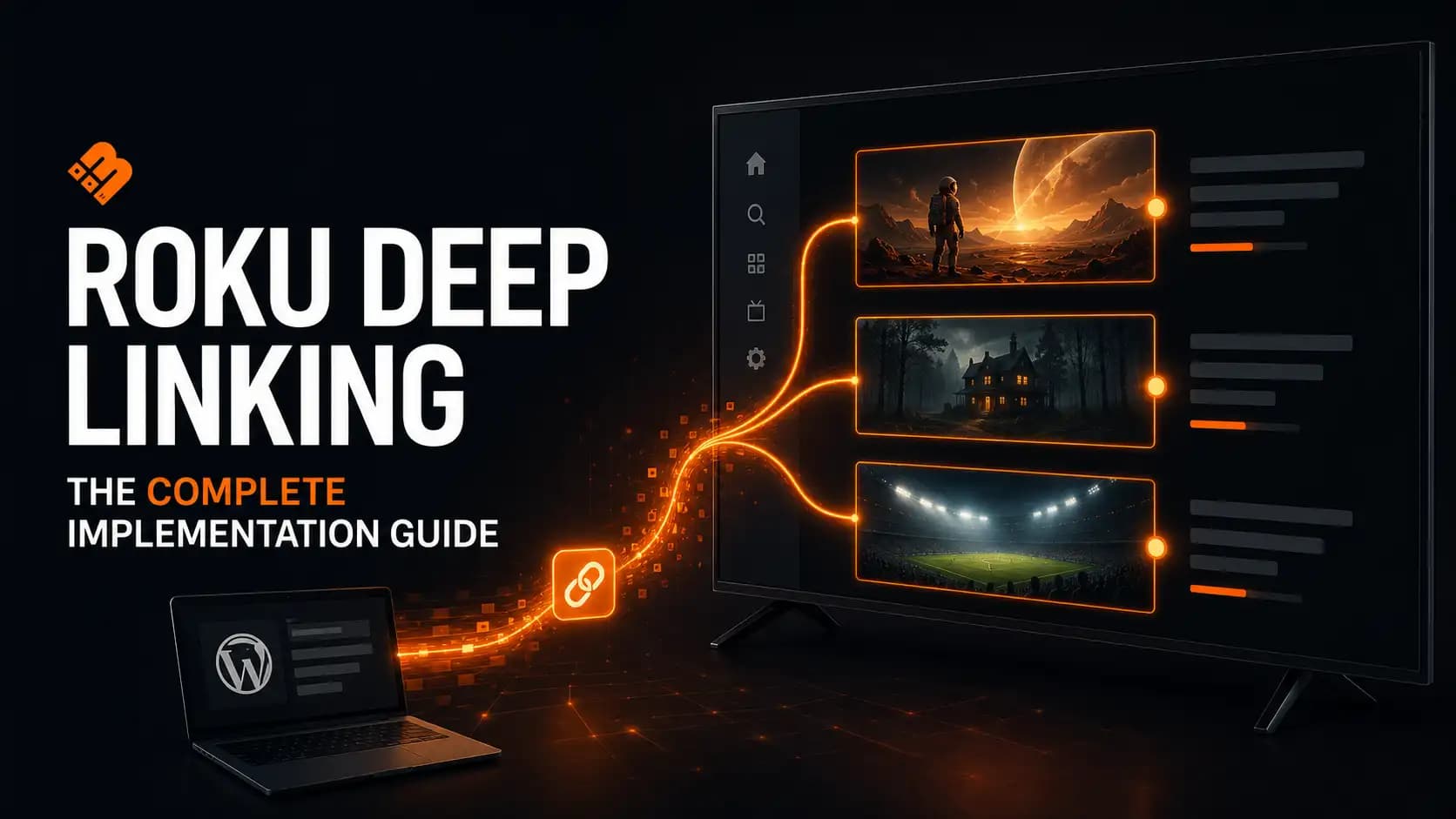
Deep linking sounds simple.
Roku sends your app a contentId and mediaType. Your app finds that content and starts playing it.
That description is technically correct, but it leaves out nearly everything that makes deep linking difficult in a real streaming app.
When we took a WordPress-powered Roku channel through certification in 2026, deep linking was one of the areas that required the most work. It wasn’t enough to make one movie open from a test command. We had to account for cold launches, requests received while the app was already running, episodes, series, seasons, live channels, unavailable content, API errors, player readiness and Roku’s launch-completion signal.
This guide explains the architecture we ultimately used in the MediaBlaster Roku template, why some seemingly reasonable approaches failed, and the test matrix we now use before submitting an app.
Tested: July 2026 with MediaBlaster v3 REST endpoints and the MediaBlaster Roku VOD template. The completed app passed Roku’s public-app approval process.
Add before publishing: Roku device model(s) and Roku OS version(s) used for final testing.
Key takeaways
- A deep link is a routing request, not a search query.
- Use stable content IDs. We use numeric WordPress post IDs.
- Handle cold-launch arguments and runtime
roInputEventrequests through the same path. - Route by both the requested media type and the behavior returned by your backend.
- Don’t tell Roku the launch is complete until the requested experience is actually ready.
- Test every media type your app supports, plus failures, locked content and repeated requests.
What Roku deep linking is supposed to do
A Roku deep link contains two essential values:
contentId: the stable identifier for the requested contentmediaType: the kind of content being requested, such asmovie,episode,seriesorseason
For playable content, the expected experience is normally direct playback. A viewer selecting a movie from Roku Search should not land on your home screen and have to find it again.
Roku’s current certification criteria require apps to support deep linking for all applicable media types and to implement Direct to Play. Roku also requires publishers to supply at least one valid deep-link example for each media type represented in the app. The exception described in Roku’s publishing guide is an app containing a single live feed.
Official references:
Why our first approach was too fragile
The tempting implementation is to receive a contentId, download a large content collection, search the results and open the first match.
We moved away from that design for several reasons:
- A catalog endpoint is not a resolver. It may be paginated, filtered or optimized for browsing rather than exact retrieval.
- Titles are not identifiers. They can change, repeat or contain characters that behave differently after encoding.
- Series and episode relationships are ambiguous. A series request may still need a specific playable episode.
- Live channels do not behave like ordinary VOD items. The correct result may depend on what is airing right now.
- Large catalog requests slow the exact path that is supposed to feel immediate.
The lesson was straightforward:
A deep link should make one exact backend request and receive one explicit routing decision.
We stopped using a general content-search fallback and created a dedicated resolver instead.
The architecture that worked
Our final flow separates four responsibilities:
| Layer | Responsibility |
|---|---|
| Roku entry point | Capture contentId and mediaType at launch or while running |
| WordPress resolver | Validate the ID, find the content and return an explicit behavior |
| Roku router | Map the response and open playback, a season picker, the EPG or an unavailable state |
| Launch-state controller | Fire AppLaunchComplete once the requested experience is observably ready |
The request path looks like this:
Roku deep-link request
        ↓
Validate contentId and mediaType
        ↓
GET /wp-json/mediablaster/v3/deep-link/{contentId}
        ↓
WordPress returns item + behavior + context
        ↓
Roku routes to playback, season picker, EPG or fallback
        ↓
AppLaunchComplete fires once the destination is ready
This architecture matters because WordPress understands the relationships between posts, while the Roku app understands how each result should appear on a television.
Step 1: Use a stable content ID
MediaBlaster uses the numeric WordPress post ID as Roku’s contentId.
That gives each movie, video, episode, live stream and channel an identifier that is:
- unique inside the WordPress site
- unaffected by title or slug changes
- inexpensive to validate
- fast to resolve with a direct database lookup
Our Roku app rejects the request before contacting the API unless contentId is a positive integer string.
function IsPositiveContentId(value as Dynamic) as Boolean
    if value = invalid then return false

    id = value.ToStr()
    if id = "" then return false

    for i = 1 to Len(id)
        char = Mid(id, i, 1)
        if char < "0" or char > "9" then return false
    end for

    return Val(id) > 0
end function
Your IDs do not have to come from WordPress, but they should be permanent. Do not use a title as the primary key.
Step 2: Capture both cold-launch and runtime requests
There are two paths into the app.
Cold launch
When the app is not running, Roku passes the deep-link fields into Main(args).
sub Main(args as Dynamic)
    screen = CreateObject("roSGScreen")
    port = CreateObject("roMessagePort")
    screen.SetMessagePort(port)

    input = CreateObject("roInput")
    input.SetMessagePort(port)
    input.EnableTransportEvents()

    scene = screen.CreateScene("AppScene")

    deepLink = ExtractDeepLinkArgs(args)
    if deepLink <> invalid
        scene.inputArgs = deepLink
    end if

    screen.Show()

    while true
        msg = wait(0, port)

        if type(msg) = "roSGScreenEvent"
            if msg.IsScreenClosed() then return
        else if type(msg) = "roInputEvent" and msg.IsInput()
            deepLink = ExtractDeepLinkArgs(msg.GetInfo())
            if deepLink <> invalid
                scene.inputArgs = deepLink
            end if
        end if
    end while
end sub
App already running
When a request arrives while the app is open, Roku sends an roInputEvent. Supporting only Main(args) is therefore incomplete.
The manifest also needs:
supports_input_launch=1Roku documents this behavior in the roInput reference and its manifest reference.
The important design decision is that both inputs are normalized and sent into the same SceneGraph field. We did not build two independent deep-link implementations that could drift apart.
Step 3: Resolve one ID through a dedicated WordPress endpoint
Our endpoint follows this pattern:
GET /wp-json/mediablaster/v3/deep-link/456?mediaType=episodeFor compatibility, MediaBlaster accepts mediaType or media_type, but a media type is required. The route only accepts a positive numeric ID.
A simplified response looks like this:
{
  "content_id": "456",
  "requested_media_type": "episode",
  "behavior": "play",
  "item": {
    "id": 456,
    "title": "The Vanishing at Mile 42",
    "media": {
      "url": "https://example.com/video/master.m3u8"
    }
  },
  "series": {
    "id": "789",
    "title": "Northern Mysteries",
    "requested_episode_id": "456",
    "season_number": 1,
    "episode_number": 3
  },
  "supported_media_types": [
    "episode",
    "series",
    "season"
  ]
}
The behavior field is critical. It prevents the Roku app from guessing what WordPress meant.
Our current resolver can return:
| Behavior | Roku action |
|---|---|
play | Start direct playback |
series | Play the resolved episode with its series context |
season | Open the episode picker and focus the requested episode |
channel | Play the current program or open the EPG at that channel |
Step 4: Treat the media type as a behavior contract
The same content relationship can produce a different experience depending on mediaType.
| Roku media type | ID used in our system | Expected result |
|---|---|---|
movie | Movie post ID | Direct playback |
shortFormVideo | Video post ID | Direct playback |
episode | Episode post ID | Play that exact episode |
series | Episode post ID | Direct playback of the resolver’s episode |
season | Episode post ID | Open the series picker with that episode focused |
tvSpecial | Playable post ID | Direct playback when supported |
liveFeed | Live post or channel ID | Play live/current content or open the EPG |
sportsEvent | Playable post ID | Direct playback when supported |
One of our most important corrections involved episodic content.
We initially treated series as a request to fetch a collection of episodes and then choose one inside the app. That introduced another API call and another opportunity to choose the wrong content.
The resolver already knew which episode was associated with the deep-link ID. For a Direct to Play request, the safer behavior was to play the resolver’s exact item. We now use the episode post ID for episode, series and season tests, then let the requested media type determine the presentation.
Step 5: Handle live channels before requiring an ordinary item
Live TV exposed an assumption hidden in our VOD implementation.
An ordinary VOD response contains an item. A channel response may instead contain:
- the channel
- the current airing
- the playback offset
- the next program
- access information
That means this validation order is wrong:
Require item
Then check whether response is a channel
A valid channel response can fail before the app reaches the channel branch.
We changed the order:
- Check whether
behavior=channel. - If a playable program is currently airing, map it and begin playback.
- If nothing playable is airing, open the EPG with that channel focused.
- Only require an ordinary
itemfor non-channel responses.
For scheduled VOD inside a linear channel, the backend also returns a playback offset. The app seeks into the source video so the viewer joins at the current position rather than restarting the program.
Step 6: Tie AppLaunchComplete to the real destination
This was the least obvious part of our implementation.
Roku uses AppLaunchComplete as a signal that the app has completed its launch experience. A normal home-screen launch and a deep link into playback are not the same experience.
If the app fires the signal as soon as the shell appears, Roku may see “launch complete” before the requested video has even reached the player.
Our current rules are:
| Launch path | When we signal completion |
|---|---|
| Normal launch | Home shell is visible and focused |
| Deep link to playback | Player state reaches buffering or playing |
| Deep link to a season | Episode picker is visible with usable focus |
| Deep link to an inactive channel | EPG is visible and focused |
| Invalid or unavailable request | App has safely returned home |
We also guard the beacon so it can fire only once.
Runtime deep links do not generate a second app-launch beacon because the app has already launched.
Finally, we use a playback watchdog. If the player never reaches buffering or playing, the app leaves the pending state instead of waiting forever.
Step 7: Design failure paths before certification finds them
A deep-link implementation is not finished when valid content plays. It is finished when invalid content fails safely.
We explicitly test:
- missing parameters
- non-numeric IDs
- unknown IDs
- unsupported media types
- unpublished or unavailable posts
- HTTP 400, 403 and 404 responses
- locked premium content
- content with no playable media URL
- a second request arriving before the first resolver call completes
The player should never open with an empty URL.
For locked content, we retain the original request so a future authentication flow can retry it. For invalid or unavailable content, the app returns to a stable home state.
We also assign a generation number to each resolver request. If an older HTTP response arrives after a newer deep link, the app ignores the stale result. Without this guard, a slower first request can overwrite a faster second request and play the wrong content.
How to test Roku deep links with cURL
Your computer and Roku device must be on the same local network. Replace the placeholders below with your Roku’s IP address and valid IDs from your backend.
On Windows PowerShell, call curl.exe explicitly:
curl.exe -d "" "http://ROKU_IP:8060/launch/dev?contentId=MOVIE_ID&mediaType=movie"On macOS or Linux:
curl -d '' "http://ROKU_IP:8060/launch/dev?contentId=MOVIE_ID&mediaType=movie"Cold-launch examples
# Movie
curl -d '' "http://ROKU_IP:8060/launch/dev?contentId=MOVIE_ID&mediaType=movie"

# Short-form video
curl -d '' "http://ROKU_IP:8060/launch/dev?contentId=VIDEO_ID&mediaType=shortFormVideo"

# Exact episode
curl -d '' "http://ROKU_IP:8060/launch/dev?contentId=EPISODE_ID&mediaType=episode"

# Series Direct to Play
curl -d '' "http://ROKU_IP:8060/launch/dev?contentId=EPISODE_ID&mediaType=series"

# Season picker with requested episode focused
curl -d '' "http://ROKU_IP:8060/launch/dev?contentId=EPISODE_ID&mediaType=season"

# Live channel or live stream
curl -d '' "http://ROKU_IP:8060/launch/dev?contentId=LIVE_ID&mediaType=liveFeed"
Test while the app is already running
curl -d '' "http://ROKU_IP:8060/input?contentId=EPISODE_ID&mediaType=episode"The /input test is easy to overlook. Roku’s own documentation notes that runtime deep linking must be tested with an ECP input command rather than a launch-only test.
Test failures deliberately
# Invalid ID format
curl -d '' "http://ROKU_IP:8060/launch/dev?contentId=abc&mediaType=movie"

# Unknown numeric ID
curl -d '' "http://ROKU_IP:8060/launch/dev?contentId=999999999&mediaType=movie"
You can also use Roku’s Deep Linking Tester to save and run repeatable cases.
Our pre-certification deep-link test matrix
This is the checklist we now use before submission.
| # | Scenario | Expected result |
|---|---|---|
| 1 | Movie ID + movie | Exact movie begins buffering or playing |
| 2 | Video ID + shortFormVideo | Exact video begins playback |
| 3 | Episode ID + episode | Exact episode begins playback |
| 4 | Episode ID + series | Resolver’s exact episode begins playback |
| 5 | Episode ID + season | Episode picker opens with requested episode focused; no autoplay |
| 6 | Playable special/live/sports ID | Direct playback |
| 7 | Channel ID + current program | Current program plays at the correct live position |
| 8 | Channel ID + no current program | EPG opens at the requested channel |
| 9 | Non-numeric or unknown ID | App returns home without crashing |
| 10 | Resolver returns 400, 403 or 404 | App returns home and logs the status |
| 11 | Locked or missing stream | No empty player; unavailable or sign-in state appears |
| 12 | Cold deep link | Correct destination appears; completion signal fires once |
| 13 | Runtime /input deep link | Content opens without relaunch; no second completion signal |
| 14 | Two fast consecutive requests | Newest request wins |
| 15 | Back button after playback | User returns to the expected app screen |
For each case, verify both what appears on screen and what the debug console reports.
Useful log events include:
[DeepLink] Launch args received
[DeepLink] Input event received
[DeepLink] Resolving contentId
[DeepLink] Resolver returned behavior
[DeepLink] Playable URL found
[Player] state=buffering
[Player] state=playing
[Boot] AppLaunchComplete beacon fired
Do not log authentication tokens or complete signed media URLs.
Common deep-linking mistakes
Searching by title
Titles are display information, not stable identifiers. Resolve by an immutable ID.
Downloading the entire catalog
Deep linking is a single-item lookup. Give it a single-item endpoint.
Handling only app startup
Cold-launch support does not handle commands received while the app is already running. Add roInput, roInputEvent and supports_input_launch=1.
Treating every response as VOD
Channels, seasons and locked content need different result shapes and different destinations.
Autoplaying a season request
The expected behavior differs by media type. Test episode, series and season separately.
Signaling launch completion too early
The requested player, picker or guide should be ready before the deep-link launch is considered complete.
Testing only the happy path
Certification and real viewers will eventually find invalid IDs, unavailable media, authentication requirements and network failures.
A reusable implementation checklist
Before submitting a Roku app, confirm:
- [ ] Every supported media type has a valid deep-link example.
- [ ]
contentIdis stable and does not depend on a title. - [ ] The backend resolves one ID without scanning the complete catalog.
- [ ]
Main(args)handles cold-launch parameters. - [ ]
roInputEventhandles requests while the app is running. - [ ]
supports_input_launch=1is in the manifest. - [ ] Movie and short-form requests begin direct playback.
- [ ] Episode, series and season behavior is tested separately.
- [ ] Live-channel requests can play the current program or open the EPG.
- [ ] Locked content never starts an empty player.
- [ ] Invalid IDs and API errors return to a stable screen.
- [ ] A newer request cannot be overwritten by an older API response.
- [ ]
AppLaunchCompletefires at the correct time and only once. - [ ] Back navigation works after deep-linked playback.
- [ ] Tests have been repeated on more than one currently supported Roku model.
The larger lesson
The code that reads contentId and mediaType is the easy part.
The real work is defining a reliable contract between your content system and your Roku app:
- Which IDs are permanent?
- Which system owns the routing decision?
- What does each media type mean?
- When is the requested experience truly ready?
- What happens when the request cannot be fulfilled?
Once we treated deep linking as an end-to-end contract instead of a small launch feature, the implementation became easier to reason about and much easier to test.
MediaBlaster handles the WordPress content model and REST layer, while the Roku Launch Kit provides the app-side resolver, routing and testing structure described in this guide.
Want to build your own WordPress-powered Roku app? Explore the MediaBlaster Roku Launch Kit or join the free MediaBlaster community for the training and launch resources.
Publishing notes
Suggested featured-image concept
A 16:9 diagram showing:
Roku Search → contentId + mediaType → WordPress Resolver → Direct PlaybackUse MediaBlaster black, orange and warm off-white. Include a Roku remote/search icon, the WordPress logo and a television player. Avoid putting the full article title in the image.
Original screenshots to add
- Roku Developer Dashboard deep-link parameter screen.
- MediaBlaster WordPress admin showing copyable post IDs.
- A successful movie deep link reaching
bufferingorplayingin the debug console. - Season deep link with the requested episode focused.
- Live-channel deep link opening the EPG.
- Static Analysis or App Behavior Analysis result from the approved app.
Blur or crop IP addresses, API keys, tokens, protected URLs and customer information.
Internal links
- Certification case study: replace with the final URL for “We Took a Roku Channel Through Certification in 2026.”
/roku-launch-kit//community/- Relevant MediaBlaster REST API documentation page, if public.
Structured data
Use BlogPosting schema. Add visible FAQ content before adding FAQPage schema.
Optional visible FAQ
Is deep linking required for Roku apps?
Roku’s certification criteria require deep linking for applicable media types. Roku’s publishing guide states that publishers must provide deep-link parameters unless the app contains a single live feed.
What is a Roku contentId?
It is the stable identifier Roku sends to your app for the requested content. MediaBlaster uses the numeric WordPress post ID.
What is the difference between a Roku episode, series and season deep link?
An episode request targets one exact episode. A series request must support the required Direct to Play behavior. A season request opens the relevant episode-selection experience rather than automatically choosing unrelated content.
How do I test a Roku deep link?
Use Roku’s Deep Linking Tester or send an HTTP POST command to the Roku device on port 8060. Test both /launch/{appId} and /input, because /input covers requests received while the app is already running.